The ERPNext Mobile App — Your Whole Business In Your Pocket
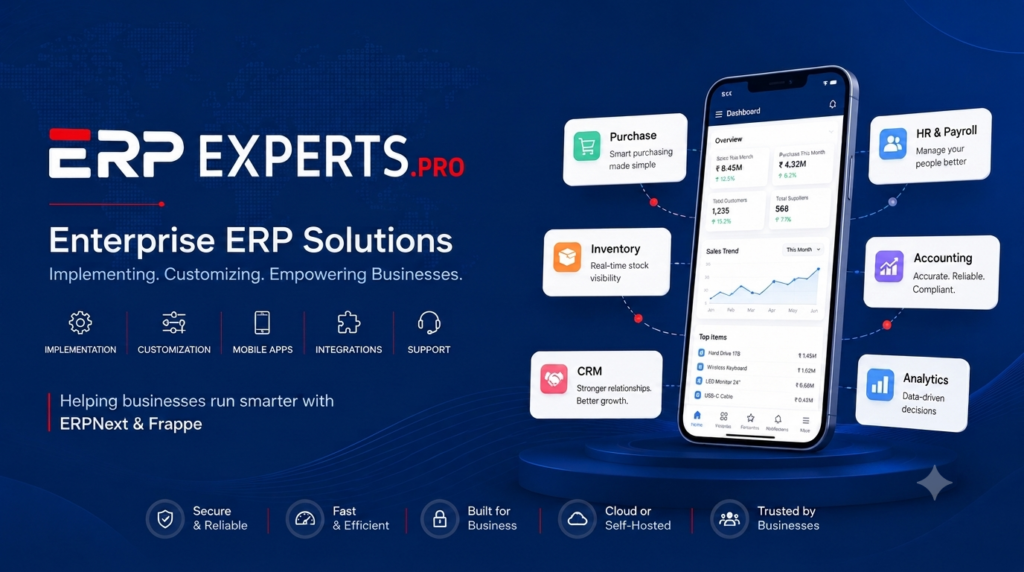
The ERPNext Mobile App gives business owners, managers, and teams mobile access to their ERPNext or Frappe system from their phones. View dashboards and reports, manage business data, access ERPNext modules, scan barcodes and QR codes, and stay connected to your business from anywhere.
One mobile app for dashboards, reports and every module of your ERPNext or Frappe system.
Live Dashboards & Reports
See real-time KPIs, charts and reports pulled straight from your ERPNext or Frappe instance.
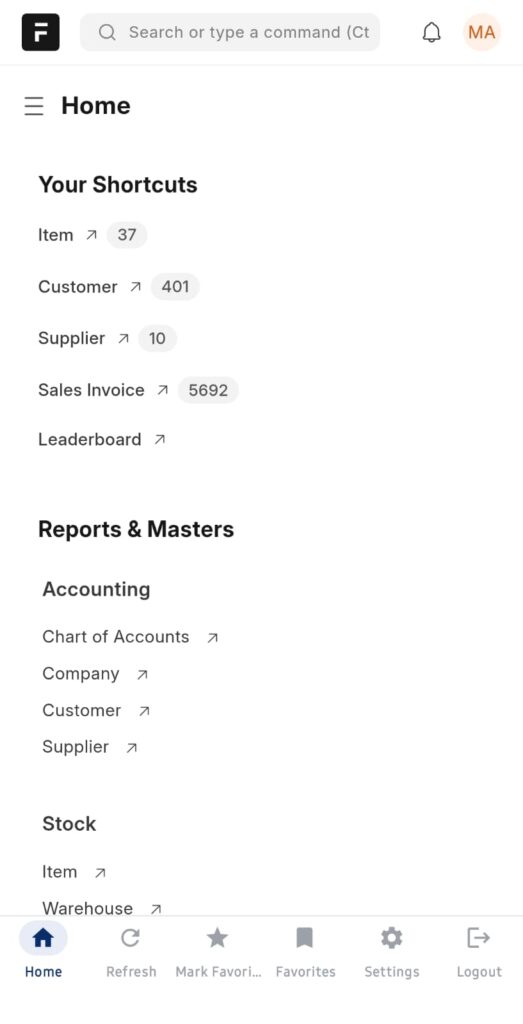
Quick Access Shortcuts
Pin any doctype, list or report to your home screen for one-tap access.
Favorites
Save your most-used reports and records to a dedicated Favorites tab.
Full ERPNext & Frappe Access
Sales, Purchase, Stock, Accounting, CRM, HR & more — every module, on your phone.
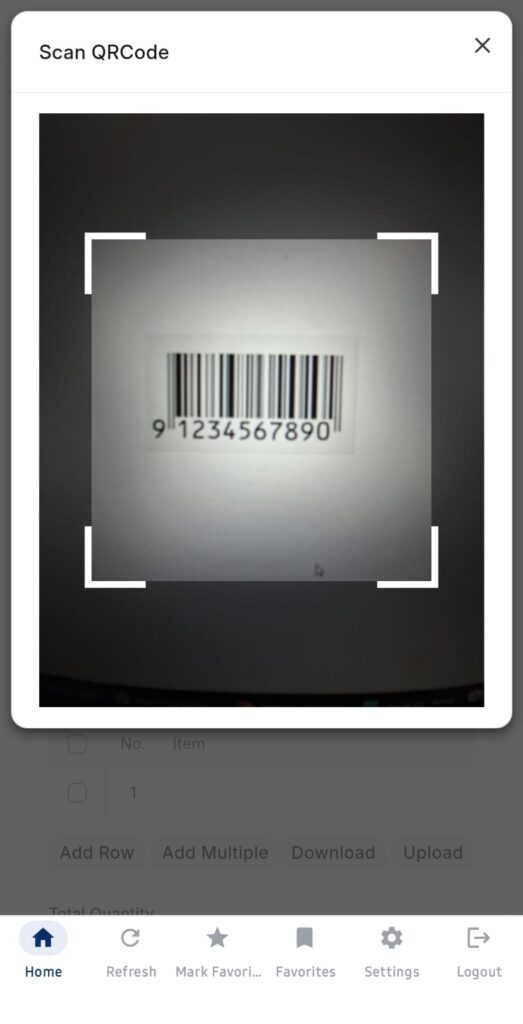
Native Barcode & QR Scanning
Scan barcodes and QR codes with your phone's camera — no extra hardware needed.
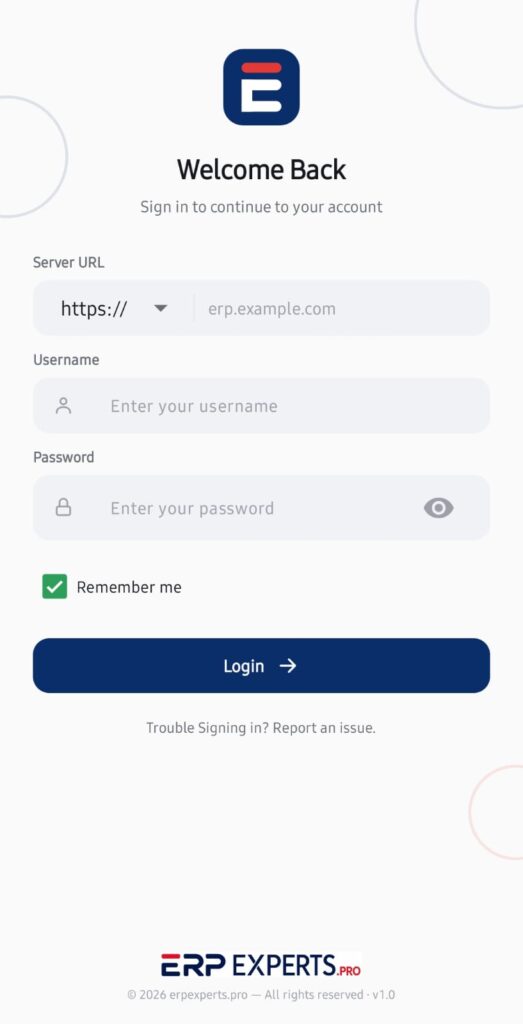
Secure Server Login
Sign in directly to your own ERPNext or Frappe instance — your data, your server.
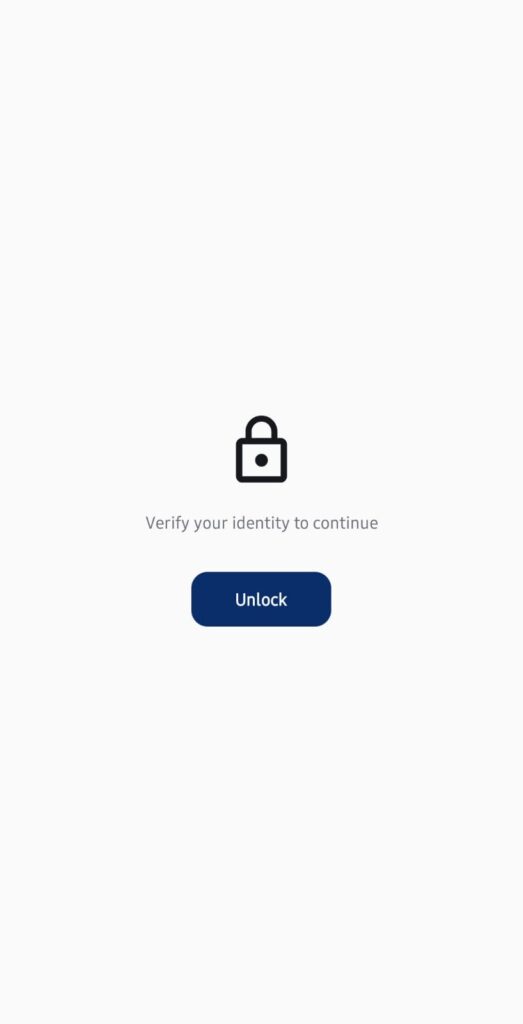
Biometric App Lock
Protect access with fingerprint or face-based app lock.
Real-Time Sync
Every change syncs instantly with your ERPNext system — no waiting, no manual refresh.
Live Dashboards, Right From Your Phone
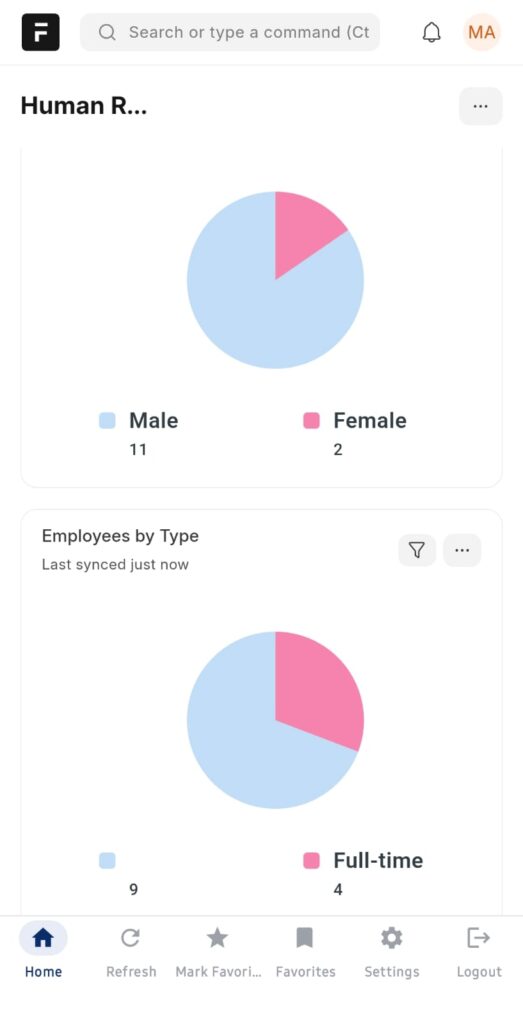
The ERPNext Mobile App puts your business dashboards in your pocket. See real-time KPI charts — sales, HR, stock, finance — the moment you open the app, synced live from your ERPNext or Frappe instance. No logging into a desktop just to check how the day is going.
Real-time KPI charts on your home screen
Sales, HR, stock & finance dashboards
Always synced with your ERPNext data
Pin Any Page for One-Tap Access
Add any doctype, list or report to Quick Access, and it’s one tap away every time you open the app — no digging through menus. Perfect for the pages your team checks every single day, like Sales Invoices, Items or Customers.
Add any doctype, list or report as a shortcut
Reorder or remove shortcuts anytime
Built for the pages you check daily
Save Your Most-Used Reports as Favorites
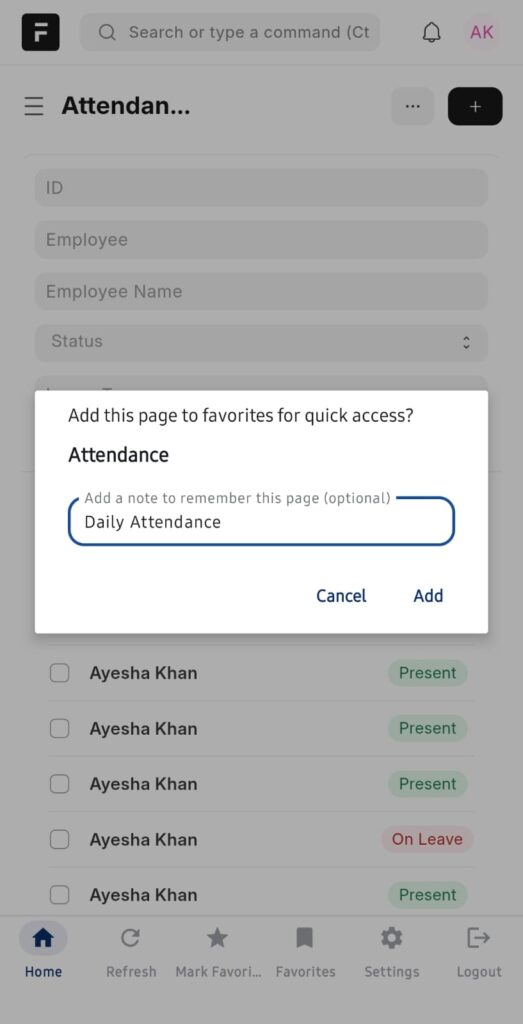
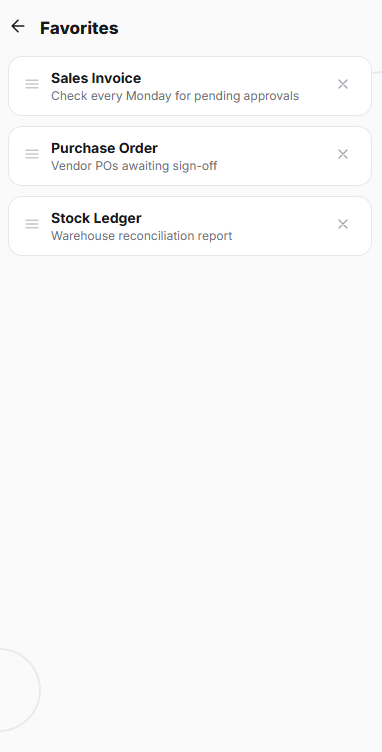
Beyond quick access, Favorites lets you bookmark specific reports and records with a personal note attached — “check every Monday” or “vendor POs awaiting sign-off” — so recurring checks never get missed.
Bookmark reports and records with a note
Ideal for recurring weekly or monthly checks
Organized in one dedicated Favorites tab
Scan Barcodes & QR Codes with Your Camera
Speed up stock counts, data entry and lookups with native camera barcode and QR scanning, built directly into ERPNext forms. No handheld scanner, no separate app — just point your phone’s camera.
Native camera scanning, no extra hardware
Speeds up stock counts & data entry
Works inside any ERPNext form
Secure Sign-In to Your Own Server
Connect directly to your organization’s ERPNext or Frappe instance with your existing credentials — your data stays on your own server, never a third-party cloud. Add biometric app lock on top, and only you can open the app, even if your phone is unlocked.
Sign in to your own ERPNext or Frappe server
Biometric app lock (fingerprint / Face ID)
Enterprise-grade data protection
See More of the App
A closer look at the home screen, shortcuts and biometric lock.
Why Build Your Mobile Workflow on ERPExperts
12+ Years of ERP Experience
We've implemented ERPNext across every industry — retail, manufacturing, healthcare & more.
Built on ERPNext & Frappe
Your data stays on your own ERPNext or Frappe instance — no vendor lock-in, fully customizable.
24h Expert Support
A dedicated support team is on hand to help your team, whenever they need it.
The ERPNext Mobile App gives you access to your entire ERPNext or Frappe system from your phone — dashboards, reports, and every module including Sales, Purchase, Stock, Accounting, CRM and HR.
Yes. The app connects directly to your organization’s ERPNext or Frappe instance using your existing credentials, so there’s no separate setup or data migration required.
Yes. All data stays on your own ERPNext or Frappe server. The app supports biometric app lock and secure, encrypted sign-in, so sensitive business data is never exposed to third parties.