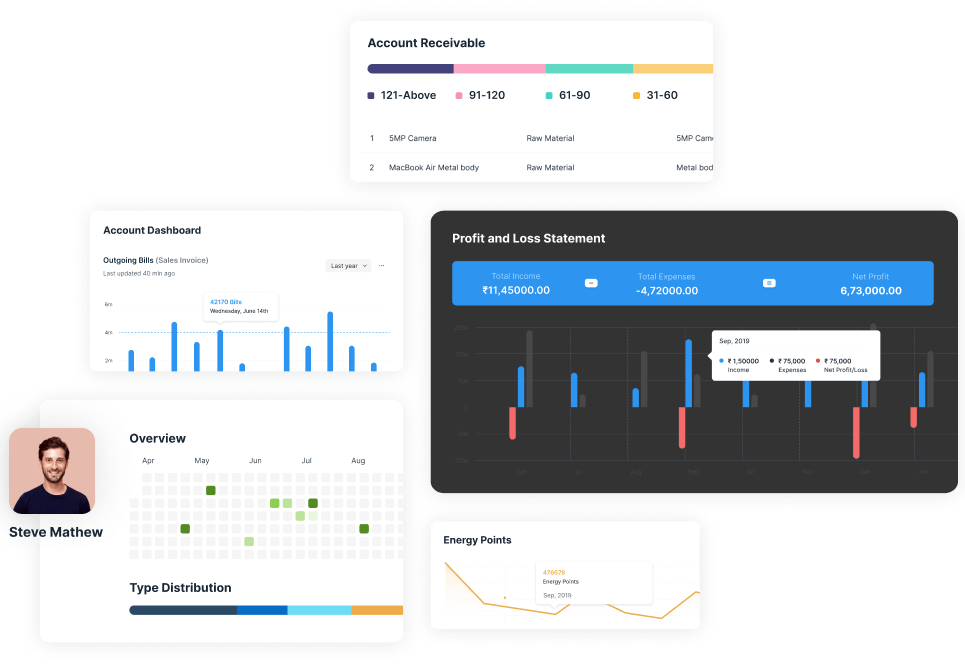
The All-in-One ERP Software in Pakistan for Growing Businesses
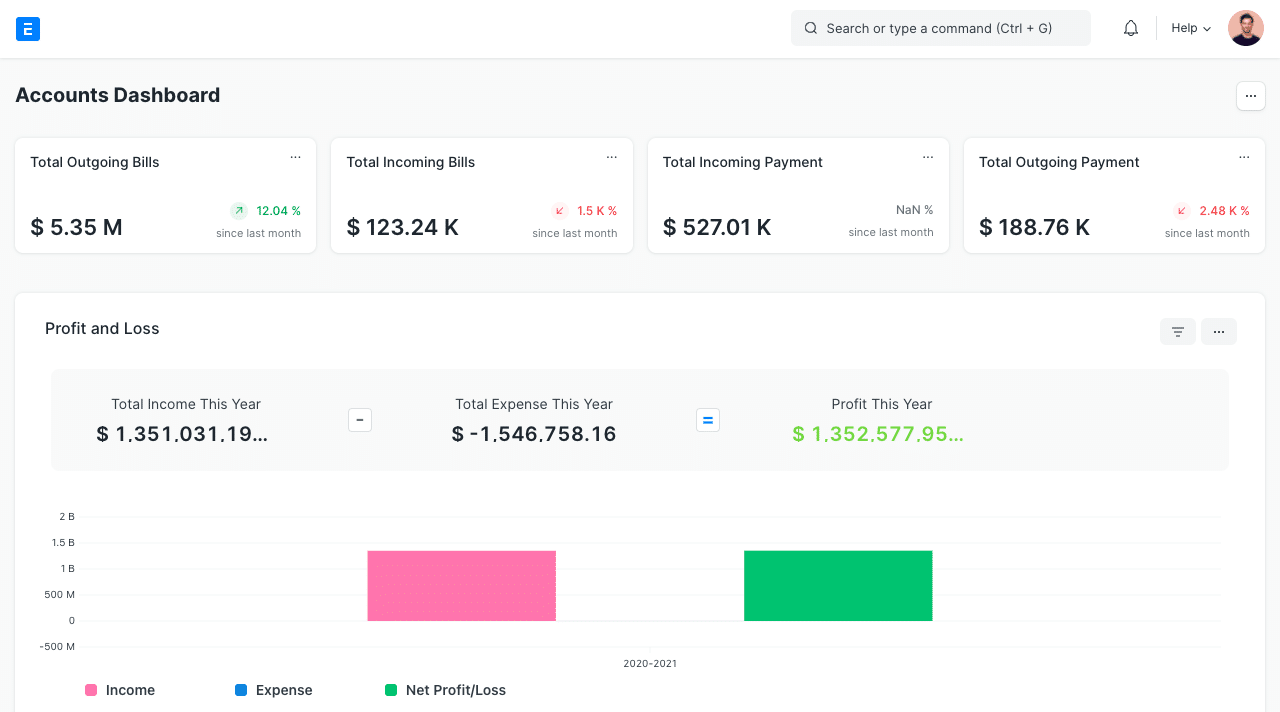
A trusted ERP partner with 12 years of experience providing ERP software in Pakistan to help businesses automate, simplify, and grow. Manage accounting, inventory, HR, and more with one powerful platform.
Enterprise system solutions, process automation and ongoing support — delivered to businesses from single-site operations to multi-branch groups. These teams run day to day on ERP systems we built, implemented and continue to support.
WHY CLIENTS STAY
Software is easy to buy. Support is what you live with.
ERP projects rarely fail at go-live. They fail six months later, when nobody answers. Every ERPExperts client gets a dedicated support app — raise a ticket, watch it move, and know the moment someone picks it up.
Raise a ticket from anywhere
Submit support requests from your phone, with the details and attachments captured at the source.
See exactly where it stands
Live status for every open and past ticket in one dashboard, instead of a buried mail thread.
Know the moment we reply
Push notifications the instant the support team responds to or updates your request.
Talk to whoever is fixing it
Reply straight into the ticket thread, so context stays with the issue rather than scattered across email.
ERP Solutions for Businesses across every Industry
ERP Experts provides scalable and customizable ERP software in Pakistan for businesses of all sizes across multiple industries. Our ERP solutions help businesses manage and streamline their operations with a flexible system designed to meet their specific needs.
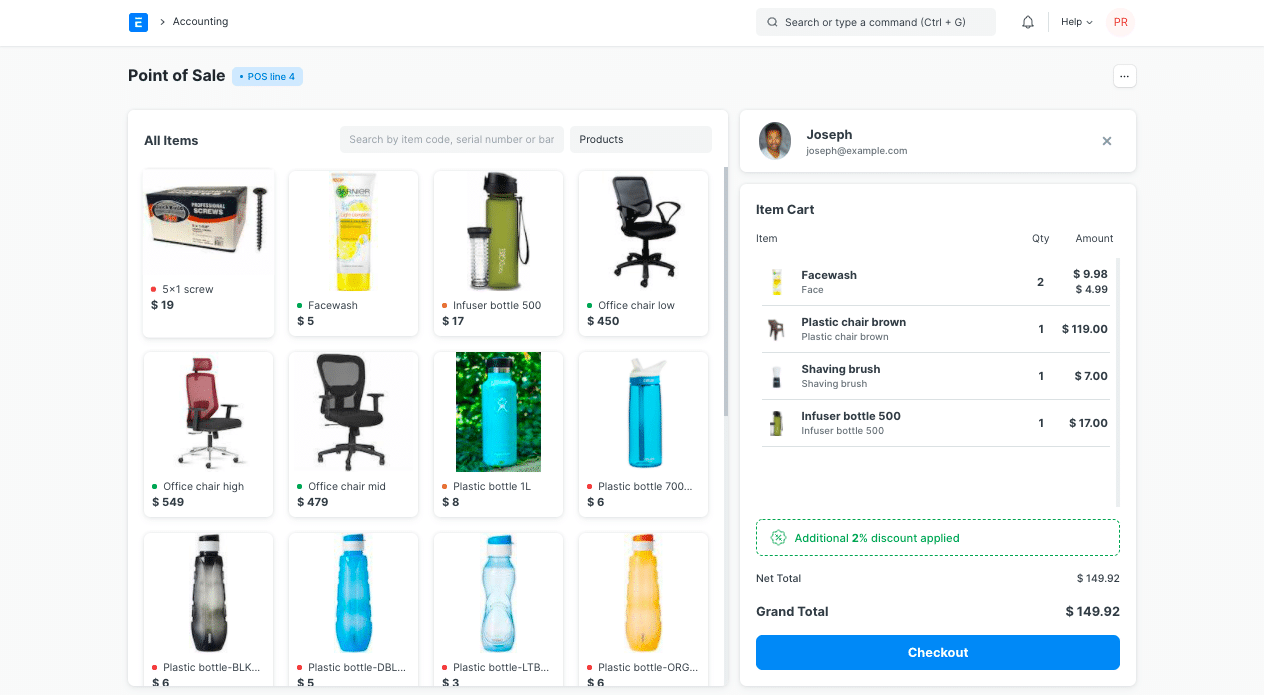
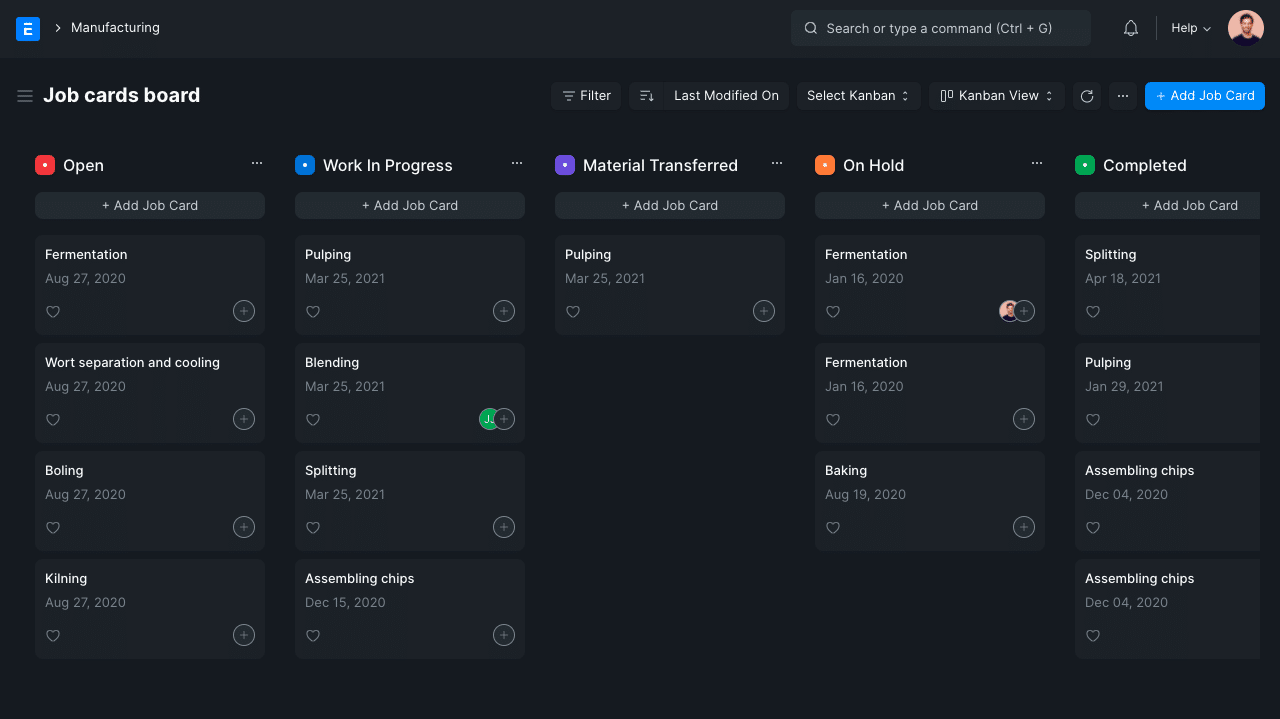
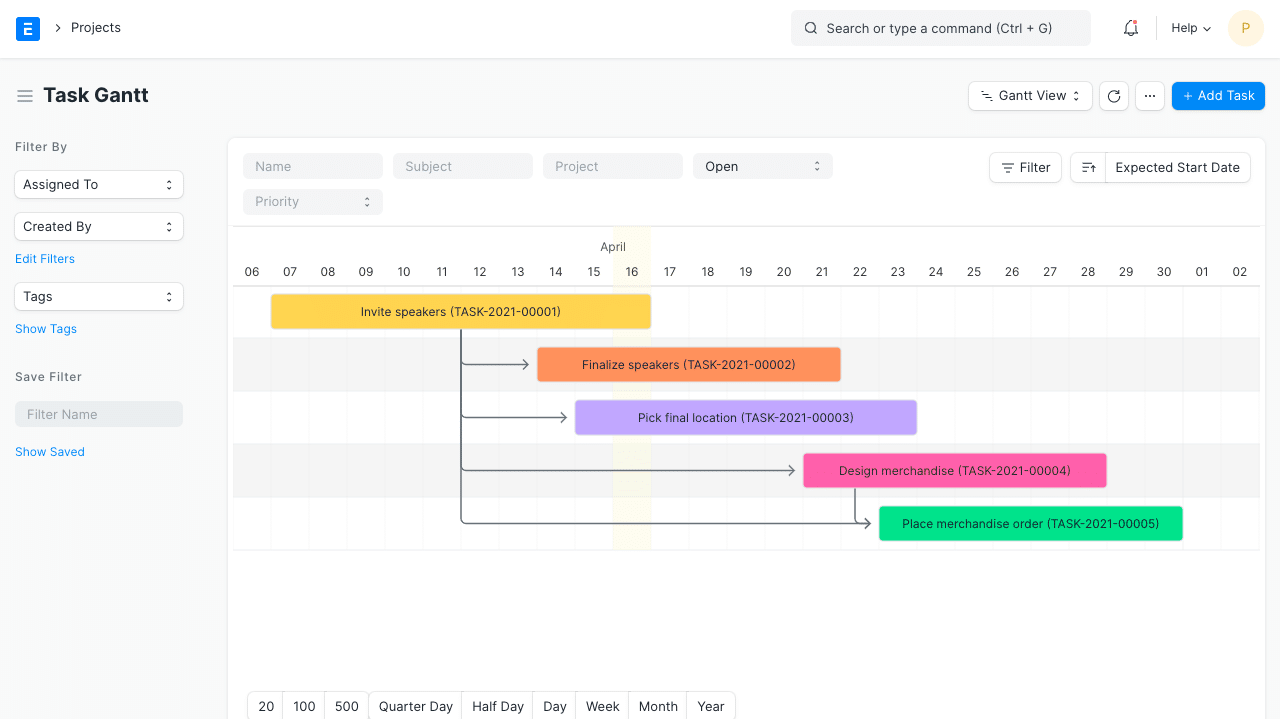
Our ERP software brings accounting, retail, manufacturing, inventory, HR & payroll, healthcare, distribution, and non-profit operations together on a single platform. It helps organizations improve efficiency, productivity, and profitability while simplifying day-to-day business management.
Built for growing businesses worldwide, our flexible and future-ready ERP solutions adapt to your industry and scale with your business.
ERP Solutions for the Industries We Serve
Discover ERP solutions in Pakistan designed for the unique needs of businesses in retail, manufacturing, healthcare, distribution, services, and more.
ERPNext & Odoo Development and Implementation Services
Already using ERPNext or Odoo? Our experts can help you customize, extend, integrate, or migrate your ERP system to meet your business needs. New to ERP? We can help you choose and implement the right ERP solution for your business.
Built-in integrations that help your business take off faster
Still Looking for the Right ERP Solution? Let's Get Started.
No matter what your ERP needs are, we can help from all-inclusive packages to single modules. We offer free consultations and expert ERP implementation, every step of the way.